ChatGPT Voice
Talk to ChatGPT, hands-free. Learn something new, talk through your thoughts, brainstorm ideas, get how-to advice, or practice languages.
How to start a voice conversation
Open ChatGPT and tap the voice icon in the bottom right.
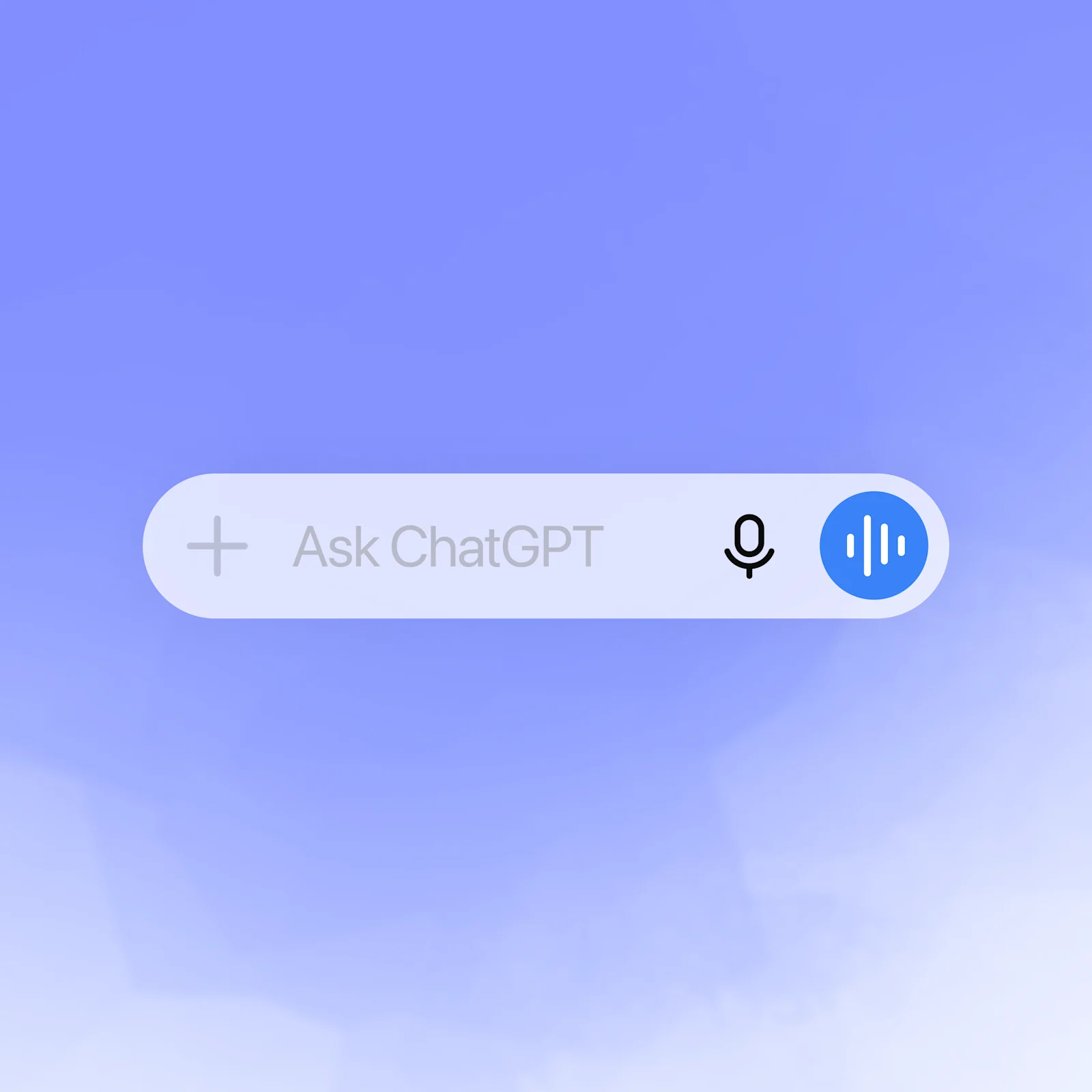
Talk to an expert, anytime
Quick answers, hands-free
Voice gives you instant answers from ChatGPT so you can keep moving.
Conversations that flow
Follow up, change direction, or go deep—voice makes it natural.
More than text
Some things are better spoken. Use voice to practice a language, prep for an interview, or get live translation.
More ways to use voice
Get inspired to start your own conversation in ChatGPT.
Explore more
- Voice with video
Talk to ChatGPT about what you're seeing and get help solving a problem or brainstorming, instantly.
- ChatGPT desktop app
Download the ChatGPT desktop app to keep AI a keystroke away and work through code, files, emails, or screenshots.
- ChatGPT Remote
Control the ChatGPT desktop app from your phone to check progress, provide input, and keep work moving wherever you are.